AI & CRM
AI for Roofing Companies: Seven Practical Workflows
Explore seven practical ways roofing companies can use AI for lead response, scheduling, measurements, quotes, follow-ups, and pipeline work.
By Gabriel Espindola · Published
· Updated
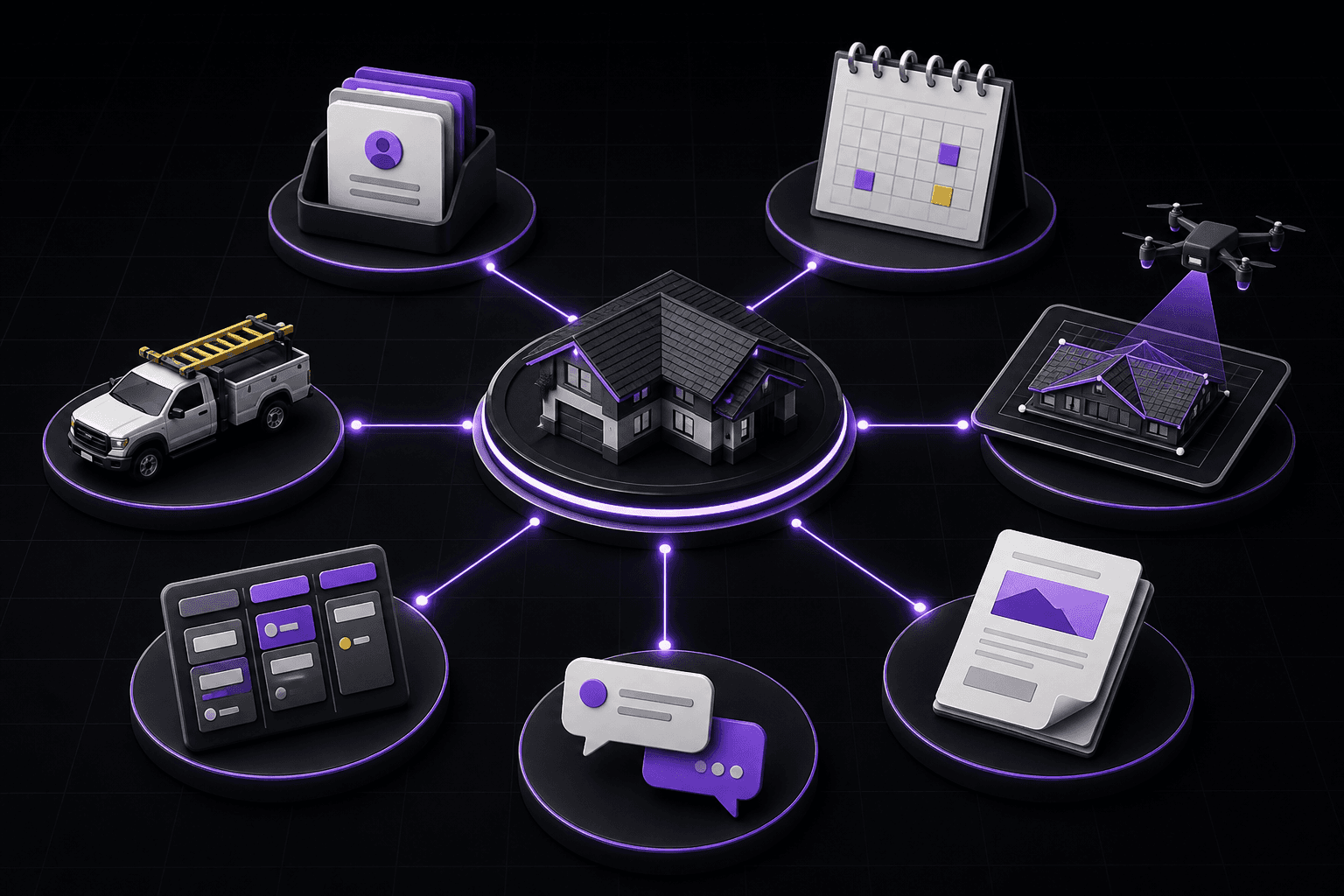
AI can help roofing companies with seven practical workflows: lead intake, response drafting, appointment coordination, report requests, estimate preparation support, follow-up task creation, and pipeline review. The safest approach keeps people responsible for commitments, measurements, scope, pricing, and customer-facing claims. Start with repetitive, reversible work; require source context and approval for high-impact actions; and measure time saved without lowering accuracy.
This guide is written for U.S. roofing contractors and owner-operators who need a practical process, not a marketing shortcut. The examples are workflow examples rather than engineering, legal, safety, or purchasing instructions. Requirements vary by property, material, jurisdiction, provider, and company policy. Use a qualified person and current source documentation when a decision affects safety, contract terms, or the final customer proposal.
1. Structure lead intake
AI can turn an inbound message into proposed CRM fields such as contact, address, service need, urgency, and missing questions.
Define the minimum record that must exist before a contact moves stages: property, decision-maker, next action, owner, and source. This prevents text messages or calls from becoming isolated work outside the job record.
For every stage change, capture the owner and the next customer-facing action. A handoff is complete only when the receiving teammate can act without reopening the conversation history.
Contractor check 1: Require confirmation before creating or merging a customer record.
2. Draft the first response
A system can draft a concise response using approved tone and known context while avoiding promises it cannot verify.
Use automation to prepare routine work, then require a person to confirm customer commitments, scope, price, and schedule. The strongest CRM workflow makes accountability clearer rather than hiding it.
Use a short, consistent status such as scheduled, waiting on customer, ready to estimate, or field verification needed. Clear status language makes pipeline reporting usable.
Contractor check 2: Keep consent, channel rules, and a human approval path.
3. Coordinate appointments
AI can suggest times, create tasks, and summarize scheduling constraints when it has access to current calendars and service rules.
Review a handful of live records every week for missing next actions, duplicate contacts, and stalled follow-ups. Small corrections made early are easier than cleaning an entire pipeline later.
For every stage change, capture the owner and the next customer-facing action. A handoff is complete only when the receiving teammate can act without reopening the conversation history.
Contractor check 3: Do not confirm a slot until the actual system of record accepts it.
4. Request roof reports
A text or CRM workflow can gather the address, structures, and urgency, then prepare a report request.
Define the minimum record that must exist before a contact moves stages: property, decision-maker, next action, owner, and source. This prevents text messages or calls from becoming isolated work outside the job record.
Use a short, consistent status such as scheduled, waiting on customer, ready to estimate, or field verification needed. Clear status language makes pipeline reporting usable.
Contractor check 4: Validate property identity and charge-triggering actions before submission.
5. Support estimate preparation
AI can summarize report fields, inspection notes, and missing inputs, but the contractor owns scope, quantities, price, and terms.
Use automation to prepare routine work, then require a person to confirm customer commitments, scope, price, and schedule. The strongest CRM workflow makes accountability clearer rather than hiding it.
For every stage change, capture the owner and the next customer-facing action. A handoff is complete only when the receiving teammate can act without reopening the conversation history.
Contractor check 5: Separate extracted facts from suggested decisions.
6. Create follow-up work
Conversation summaries can become proposed tasks with owner, due date, and reason. This reduces forgotten commitments when the team reviews the suggestions.
Review a handful of live records every week for missing next actions, duplicate contacts, and stalled follow-ups. Small corrections made early are easier than cleaning an entire pipeline later.
Use a short, consistent status such as scheduled, waiting on customer, ready to estimate, or field verification needed. Clear status language makes pipeline reporting usable.
Contractor check 6: Require every task to link back to its source message.
7. Review pipeline risk
AI can identify records with no next action, old stages, missing appointments, or conflicting data. It should explain why each item was flagged.
Define the minimum record that must exist before a contact moves stages: property, decision-maker, next action, owner, and source. This prevents text messages or calls from becoming isolated work outside the job record.
For every stage change, capture the owner and the next customer-facing action. A handoff is complete only when the receiving teammate can act without reopening the conversation history.
Contractor check 7: Let managers dismiss or correct signals and use that feedback.
Guardrails and measurement
Set permissions, approval boundaries, logging, data-retention rules, and incident escalation before expanding automation. Track correction rate and customer impact alongside speed.
Use automation to prepare routine work, then require a person to confirm customer commitments, scope, price, and schedule. The strongest CRM workflow makes accountability clearer rather than hiding it.
Use a short, consistent status such as scheduled, waiting on customer, ready to estimate, or field verification needed. Clear status language makes pipeline reporting usable.
Contractor check 8: Pause any workflow that makes unsupported commitments or hides its source.
An adoption and data-quality checklist
A checklist makes the guidance operational. It also keeps a team from treating a tool, report, or automation as a substitute for accountable judgment. Use the following items during a pilot and again during periodic review:
Map the current workflow and the desired outcome.
Use least-privilege access and documented ownership.
Test ambiguous, duplicate, and failure scenarios.
Measure correction rate, adoption, and customer impact.
Export and review data before broad rollout.
Document who completed the review, when it occurred, and what changed. If a job or workflow cannot meet the checklist, the safe outcome is to hold the next consequential step, collect the missing evidence, and resume from a known state.
Put the guidance into your workflow
The next useful step is to connect this decision to the system your team already uses. You can explore Sunate Copilot, review the roofing CRM, and book a demonstration. These links provide context; they do not replace a current factual review of capabilities, terms, coverage, or price.
Use the property, scope, and source date recorded in the job file when preparing the next customer conversation.
Sources and methodology
Sunate Copilot — accessed 2026-08-05
Sunate CRM — accessed 2026-08-05
For roofing safety and field-access responsibilities, consult OSHA fall-protection guidance, applicable law, and the contractor’s competent-person procedures.
Evaluate the workflow with your team
Explore Sunate CRM, Sunate Copilot, or book a demonstration.
Field application for your next job
On a live job, apply this guidance with a short pre-job review rather than a broad process meeting. Start by naming the property, the decision due next, and the person accountable for it. Then compare the report, field observations, and customer record for the specific detail that could change scope, timing, or materials. When information conflicts, record the exception, resolve it with the right source, and keep the final decision next to the estimate. This approach helps a small roofing team move quickly without treating a measurement, a CRM note, or an automation as a substitute for contractor judgment. For ai for roofing companies: seven practical workflows, the practical test is simple: can sales, estimating, purchasing, and production understand the same decision without re-entering data or guessing what changed?
In this article
Section headings are available in the article below.
Sources and methodology
Sources and methodology: This article uses reader-facing public sources relevant to U.S. roofing contractors, including Sunate product information at https://www.sunate.app/, Sunate pricing checked August 24, 2026 at https://www.sunate.app/pricing, and OSHA guidance where field access or fall protection is discussed: https://www.osha.gov/fall-protection.
